
Onboarding & 18+ gate
- A three-step intro with a category explorer, ending at an 18+ age gate that Skip can't jump past.
- Pick a delivery city from 12 demo cities, by search or photo tiles.
- Your onboarding and city are remembered between launches.

Spirits · Wine · Beyond
Premium liquor shopping, beautifully done.
A free Android demo of a luxury liquor store for India. Browse a curated cellar, check out in three steps and watch a simulated delivery, all offline on sample data.
Opened inside an app? Instagram, Facebook and some other apps can't download files. Tap the ⋮ menu and choose Open in Chrome (or Open in browser), then tap Download.
On an iPhone or iPad? APK files only install on Android, so this download won't work here. You can still browse the screens below, or open this page on an Android phone.
On a computer?Scan with your Android phone's camera to download the app straight to it.
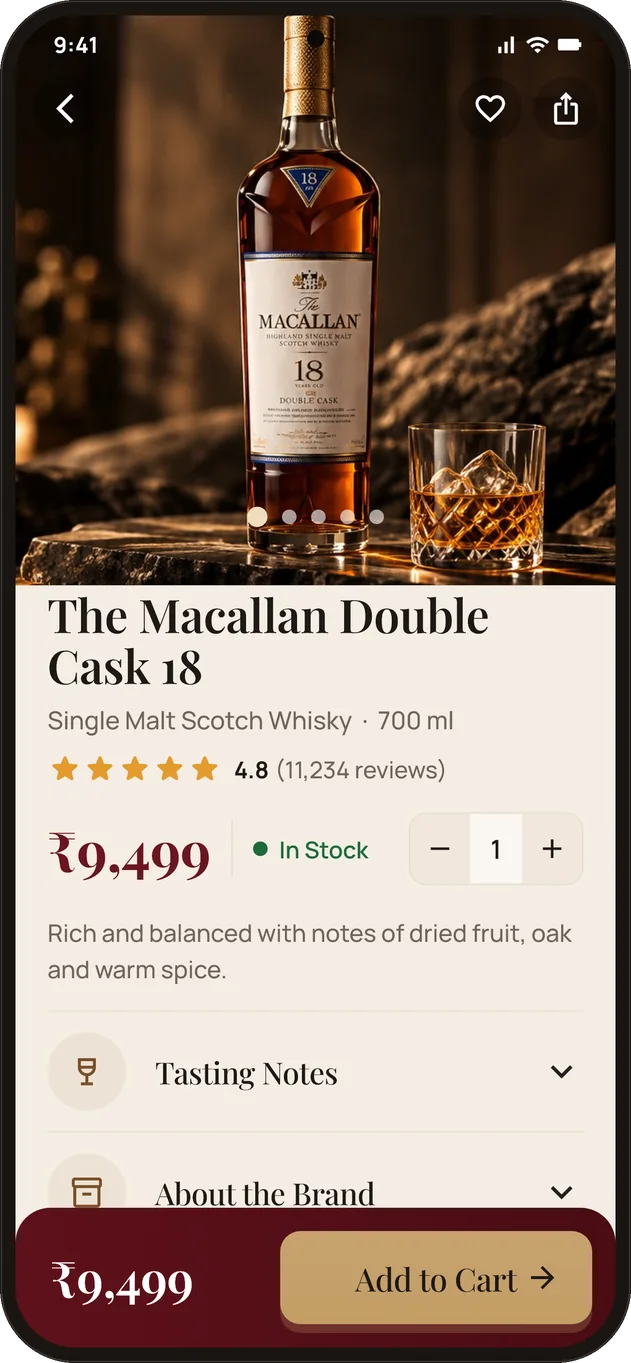
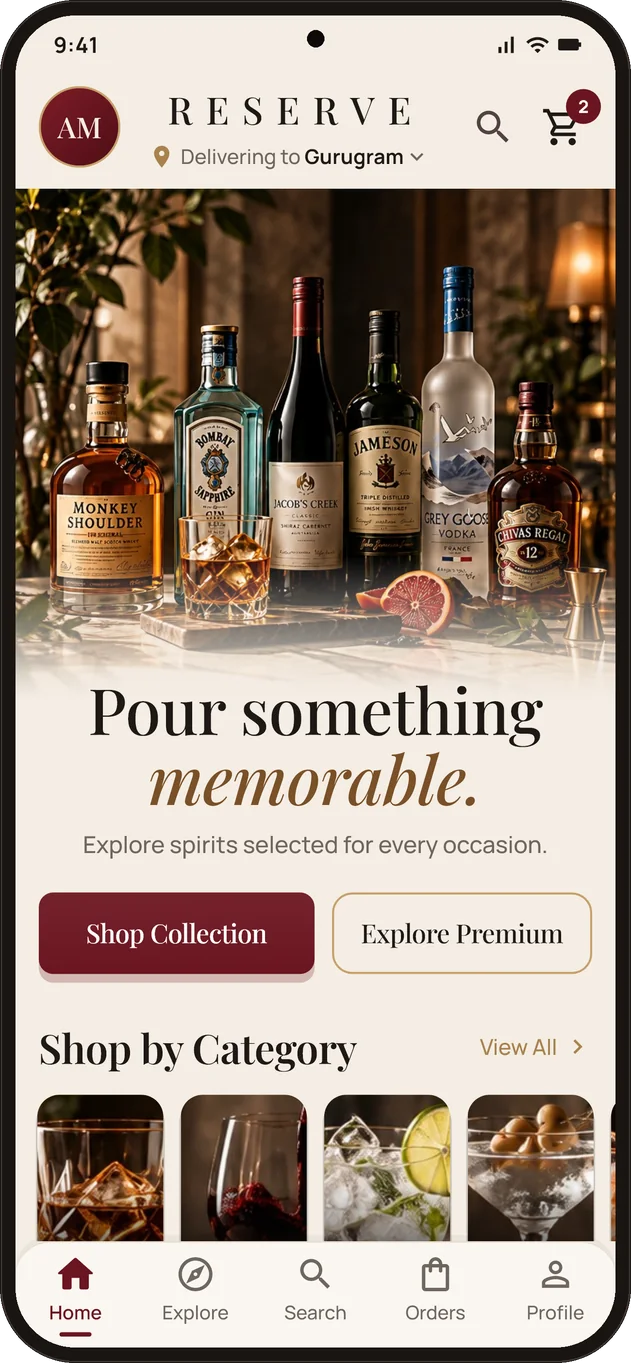
Inside the app
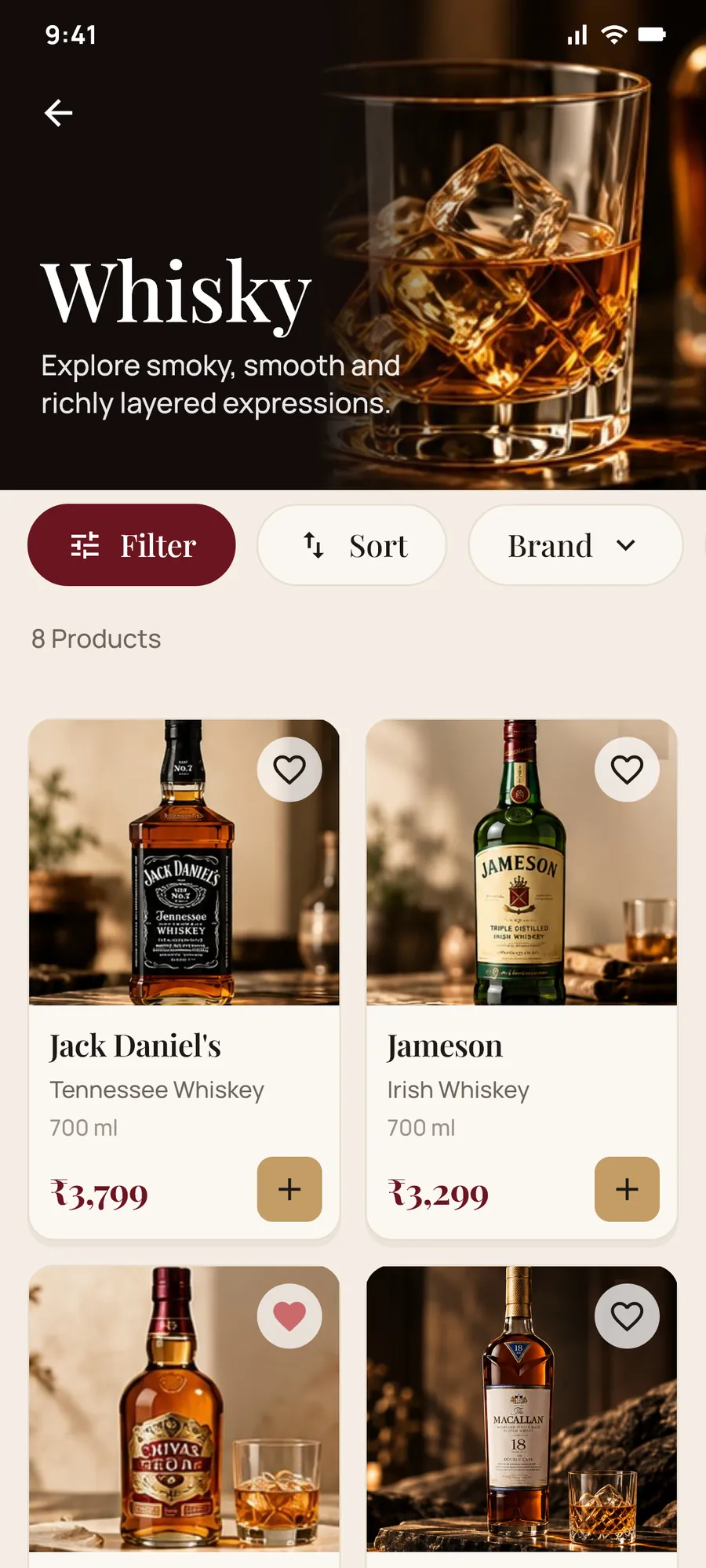
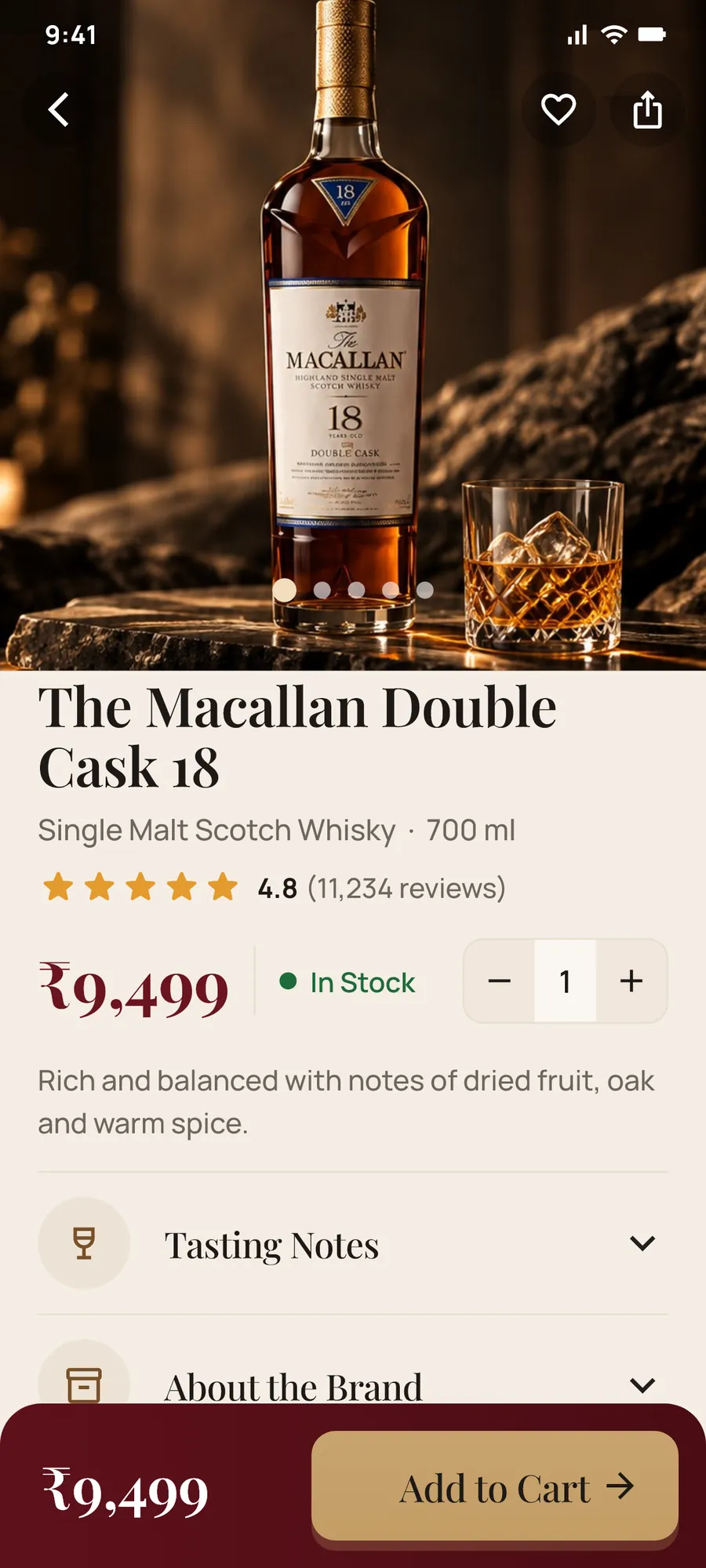
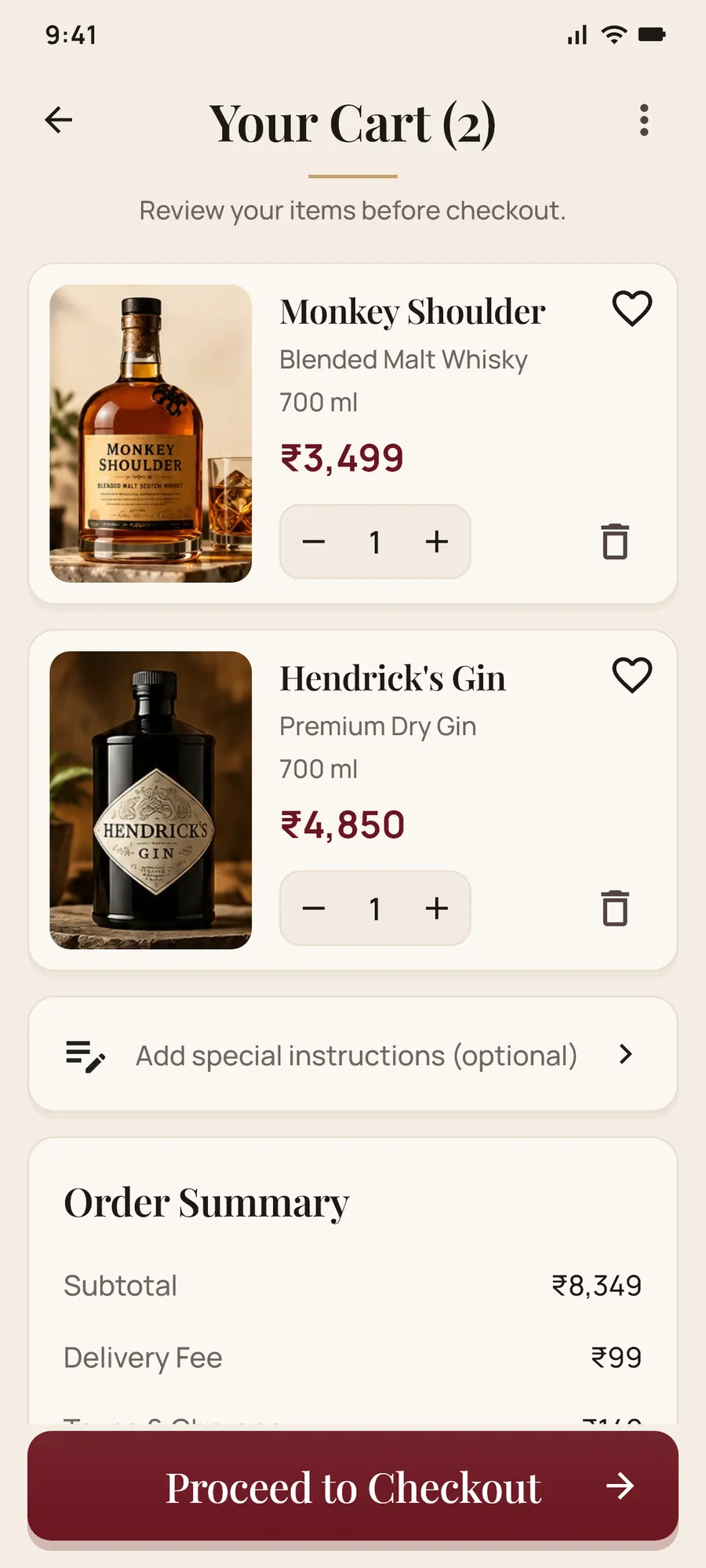
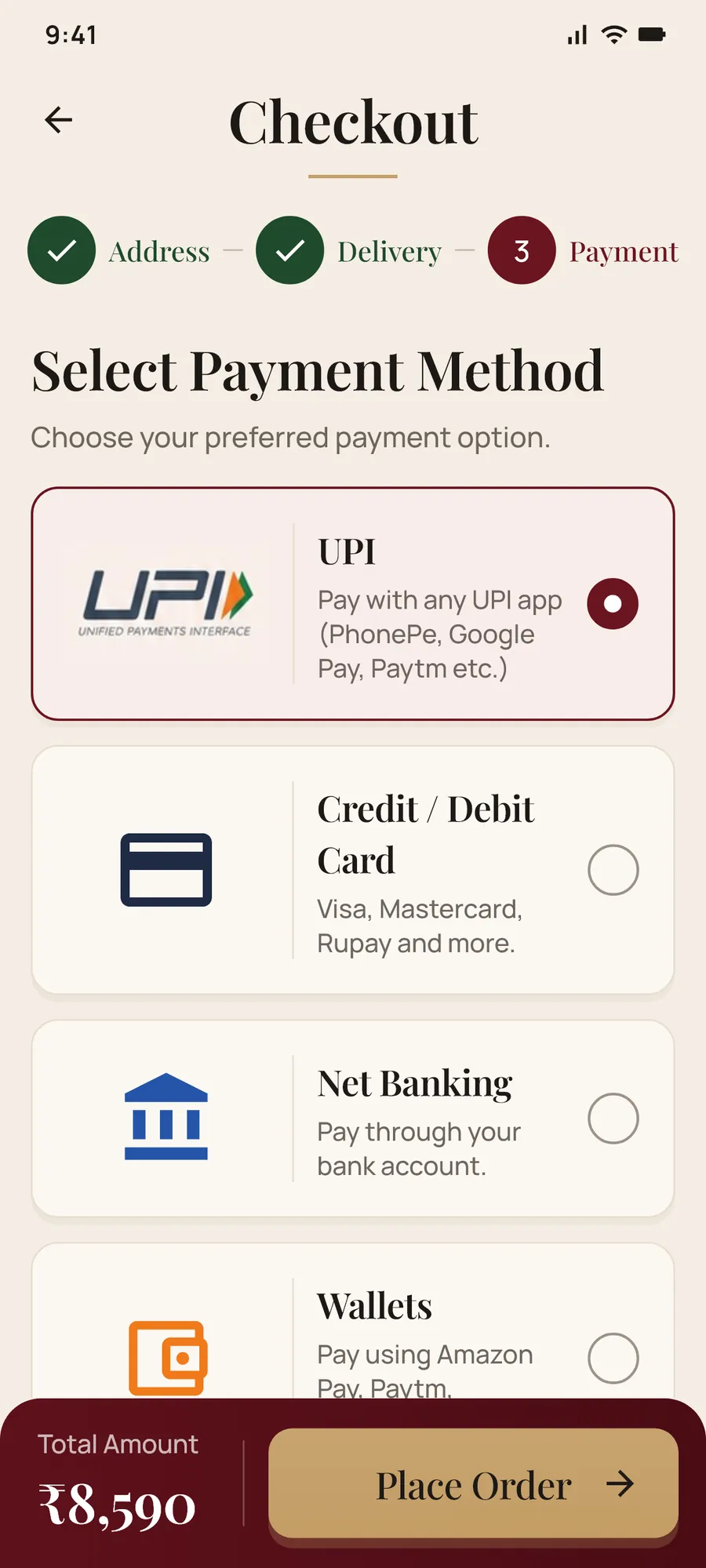
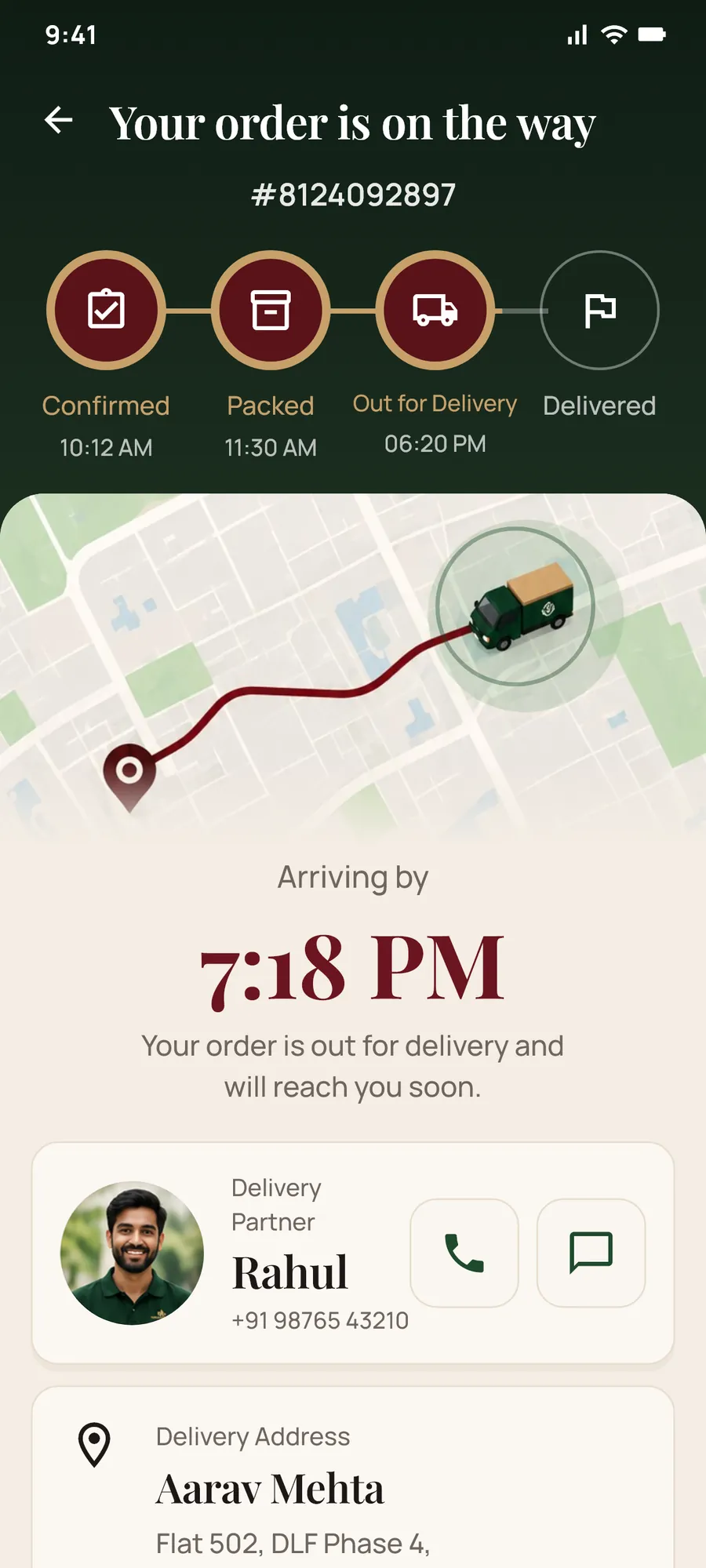
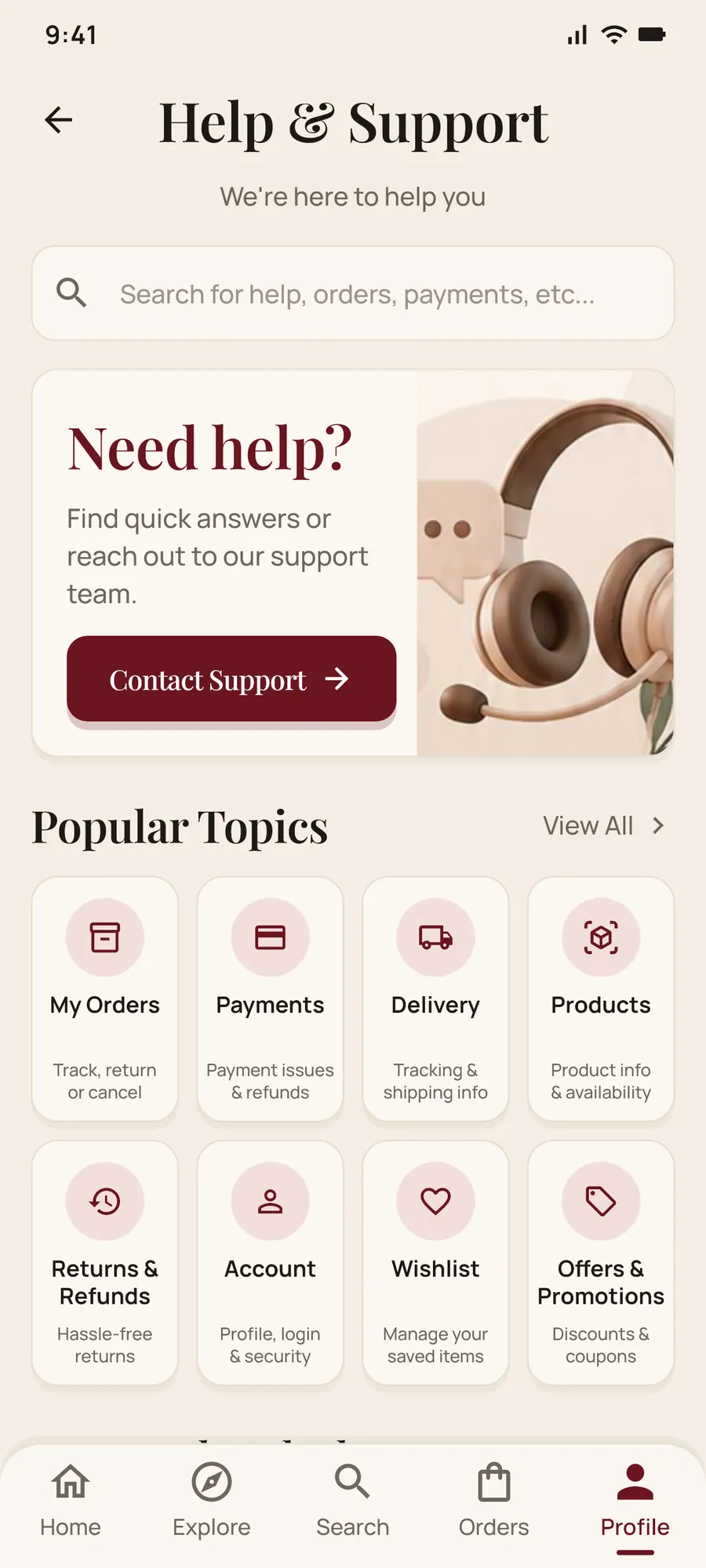
Real screens from the app, from the first launch to a delivered order. Tap any screen to see it larger.
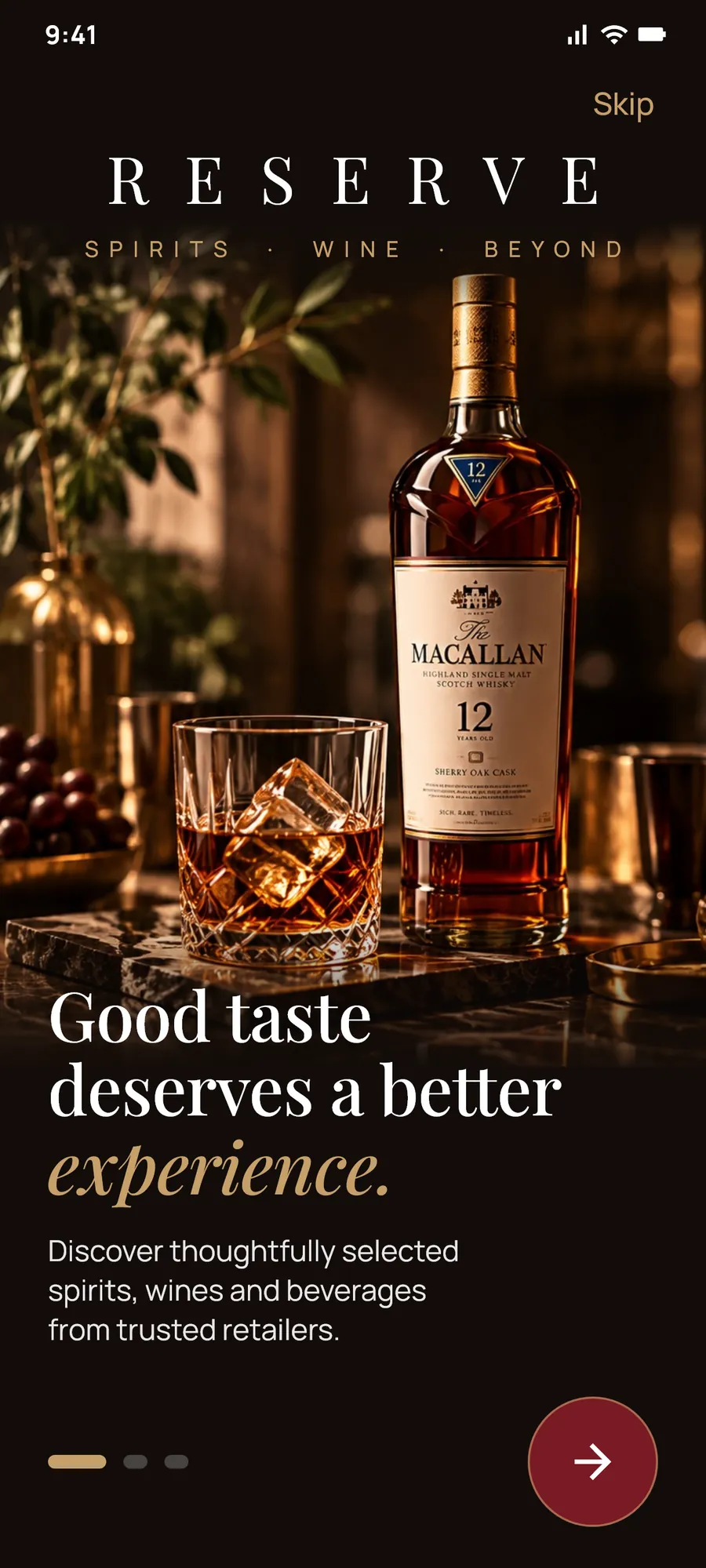
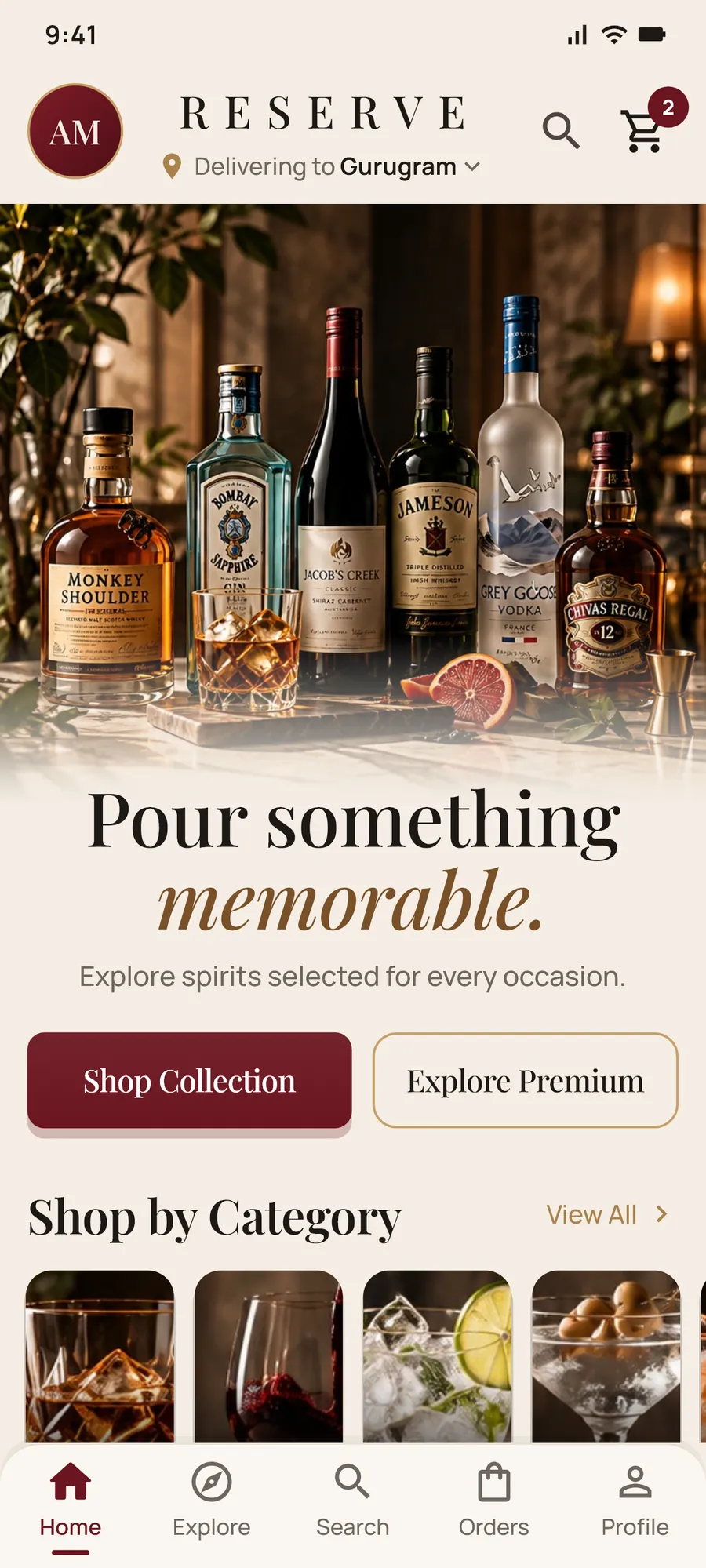
What's inside
Full shopping flows from onboarding to a delivered order, built in Flutter from 26 high-fidelity concept screens.
Demo tips
Everything is sample data, so explore freely. A few things worth trying once the app is installed:
Tap Skip on the first screens to go straight to the store. You'll still confirm you're 18+ and pick a delivery city.
Sign up with any 10-digit Indian mobile number and a password. The account is stored only on your phone and is never sent anywhere.
On Sign In, tap Forgot Password? and use the demo code. No SMS is sent.
Signed in, open Profile → Help & Support → Chat with Us, tap Track My Order and enter this sample order number:
Place an order (you'll need an account), then tap Track Order. The last step animates to Delivered in about 14 seconds.
How to install
Reserve isn't on Google Play, so Android asks a couple of extra questions the first time. Here's what to tap.
Tap Download for Android on your phone. If your browser warns that the file might be harmful, choose Download anyway.
When the download finishes, tap Open, or find Reserve.apk in your Downloads or the Files app.
If Android says installs from this source aren't allowed, tap Settings, turn on Allow from this source for your browser (the "Install unknown apps" setting), then go back.
On Android 7, turn on Unknown sources under Settings → Security instead.
It takes a few seconds. Then tap Open, or find Reserve on your home screen or in the app drawer.
Because Reserve isn't on the Play Store, Google Play Protect may say it hasn't seen this app before. Choose More details → Install anyway. If it offers to scan the app first, that's fine too.
Safety & privacy
The demo is self-contained: no servers and no cloud accounts. An account you create exists only on your phone.
There are no ads, analytics or trackers in the app.
The app makes no network calls. Accounts are saved only on the device, with passwords stored as salted hashes. Carts and orders are sample data that reset when the app restarts.
As with any app, Android's own device backup may include app data if you have backups turned on.
Internet (declared, but unused by the demo) and vibrate. No camera, contacts, location or storage permission: profile photos go through the system camera and photo picker.
In Profile, tap your name to open Edit Profile. Delete account there removes your local profile, password hash and photo. Uninstalling removes everything.
On a computer, compare this with the output of certutil -hashfile Reserve.apk SHA256 (Windows) or shasum -a 256 Reserve.apk (macOS and Linux). If they match, the file is exactly the one published here.
Reserve is a concept and portfolio demo, not a live store. There are no real sales, payments or deliveries; orders, payments and tracking are simulated on your phone.
Product and brand names and bottle images come from AI-generated design mockups and are used for illustration only. Reserve is not affiliated with or endorsed by any brand, retailer, payment provider or delivery service shown. Prices, ratings, people, phone numbers, addresses and order numbers are fictional sample data.
Intended for adults of legal drinking age in their state or union territory. Please drink responsibly.